Using Wiggle
Do I need a Home Mini?
No, Wiggle works without one. But a Home Mini gives Wiggle your home's electricity use close to the time it happens, and Octopus sends one for free.
What changes
- With a Home Mini, Home shows your live grid use in kW, and Wiggle can show today's figures as they build up. Readings can be a few minutes late, and that is normal.
- Without a Home Mini, Octopus sends your readings about a day late. Grid use shows a dash, and Home shows your last seven recorded days instead of today. The Timeline still shows your Octopus history and your tariff.
Get a Home Mini
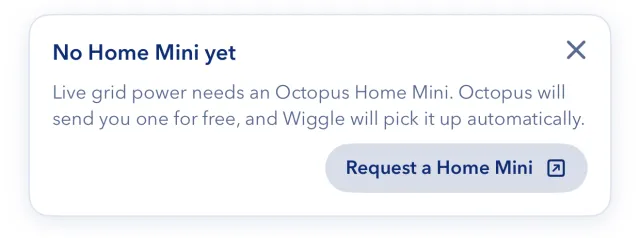
- On Home, find the "No Home Mini yet" card and select Request a Home Mini.
- Follow the steps from Octopus.
You do not need to do anything in Wiggle when it arrives. Wiggle picks it up automatically through your Octopus connection.
Check its connection
Open Settings, then Connections. The Home Mini is in the Octopus card. "Connected" with "Live electricity is updating normally" means that it is working. If it says Retrying or Delayed, Wiggle keeps trying, and you do not need to do anything. If it says Reconnect needed, see connect Octopus.
If you have a battery or solar system with a meter
A meter that you connect through a battery or solar inverter can also give live readings. In Connections, the switch "Use inverter meter for grid readings" controls this. Turn it off if the inverter's clamp measures one circuit and not your whole supply.
Still stuck?
Email support@wiggle.energy, or use Report an issue in the app. We aim to reply within one working day.